
Description
CW Auto Backup – Android Backup to Windows PC or NAS
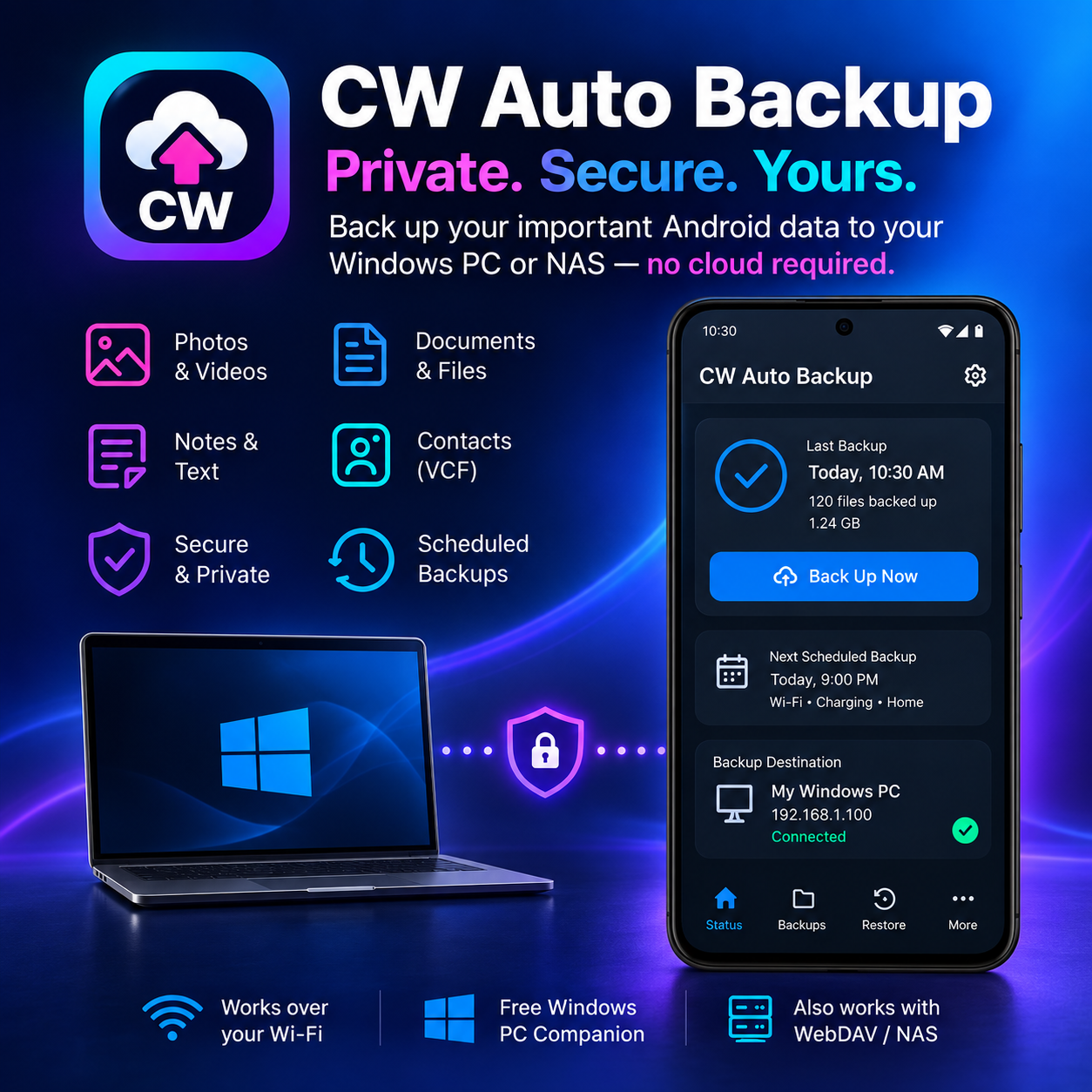
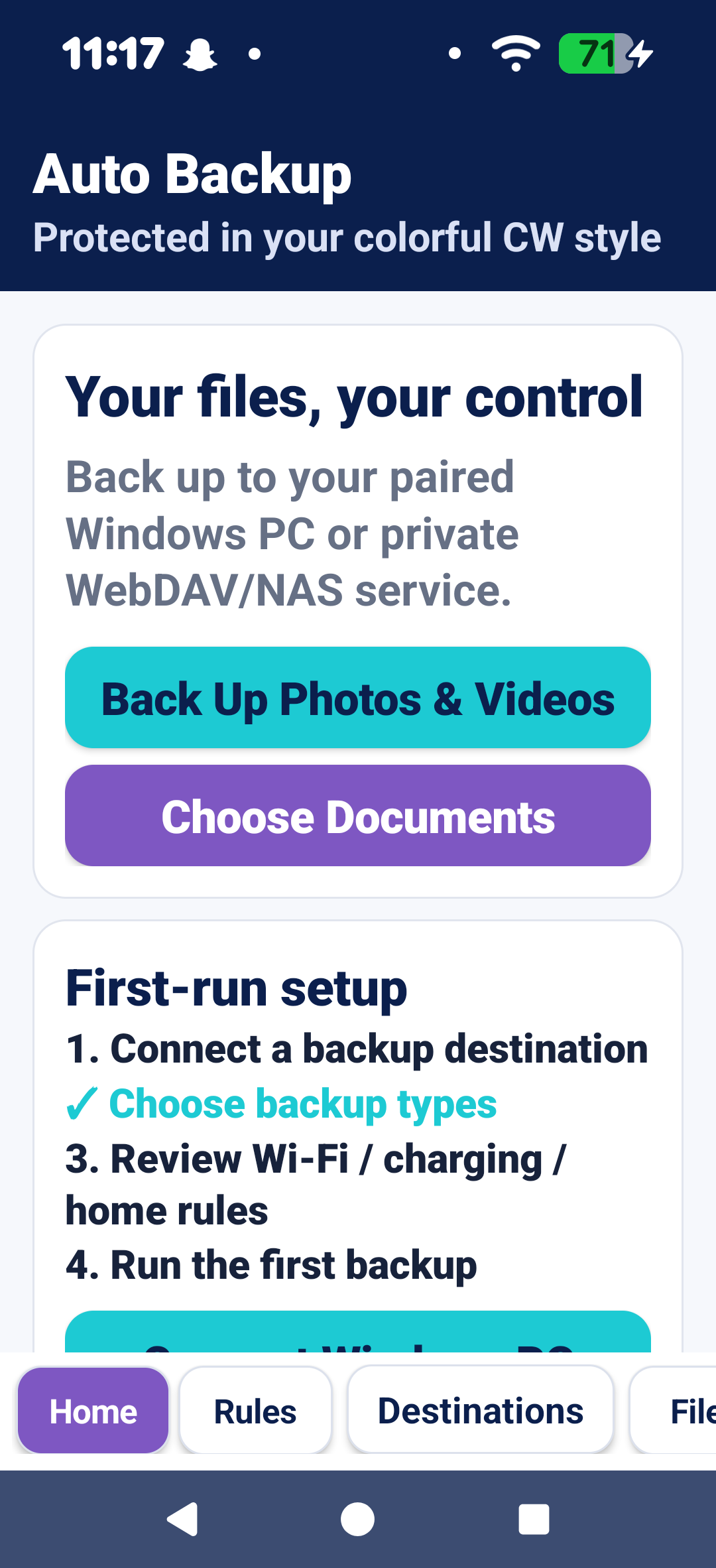
Keep your important Android files backed up to storage you control with CW Auto Backup. Back up photos, videos, documents, contacts, and shared notes directly to your Windows PC or compatible WebDAV/NAS storage—without requiring a traditional cloud-storage account.
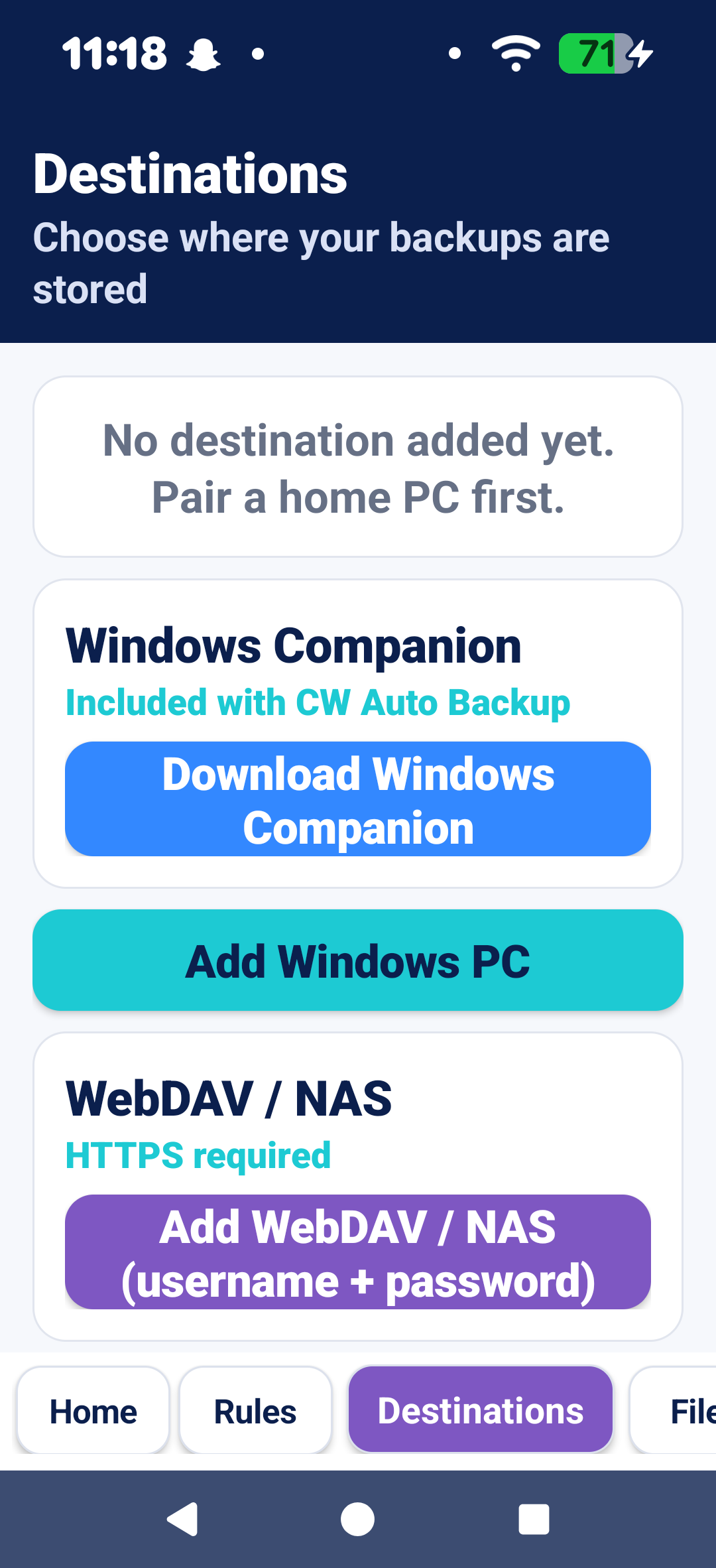
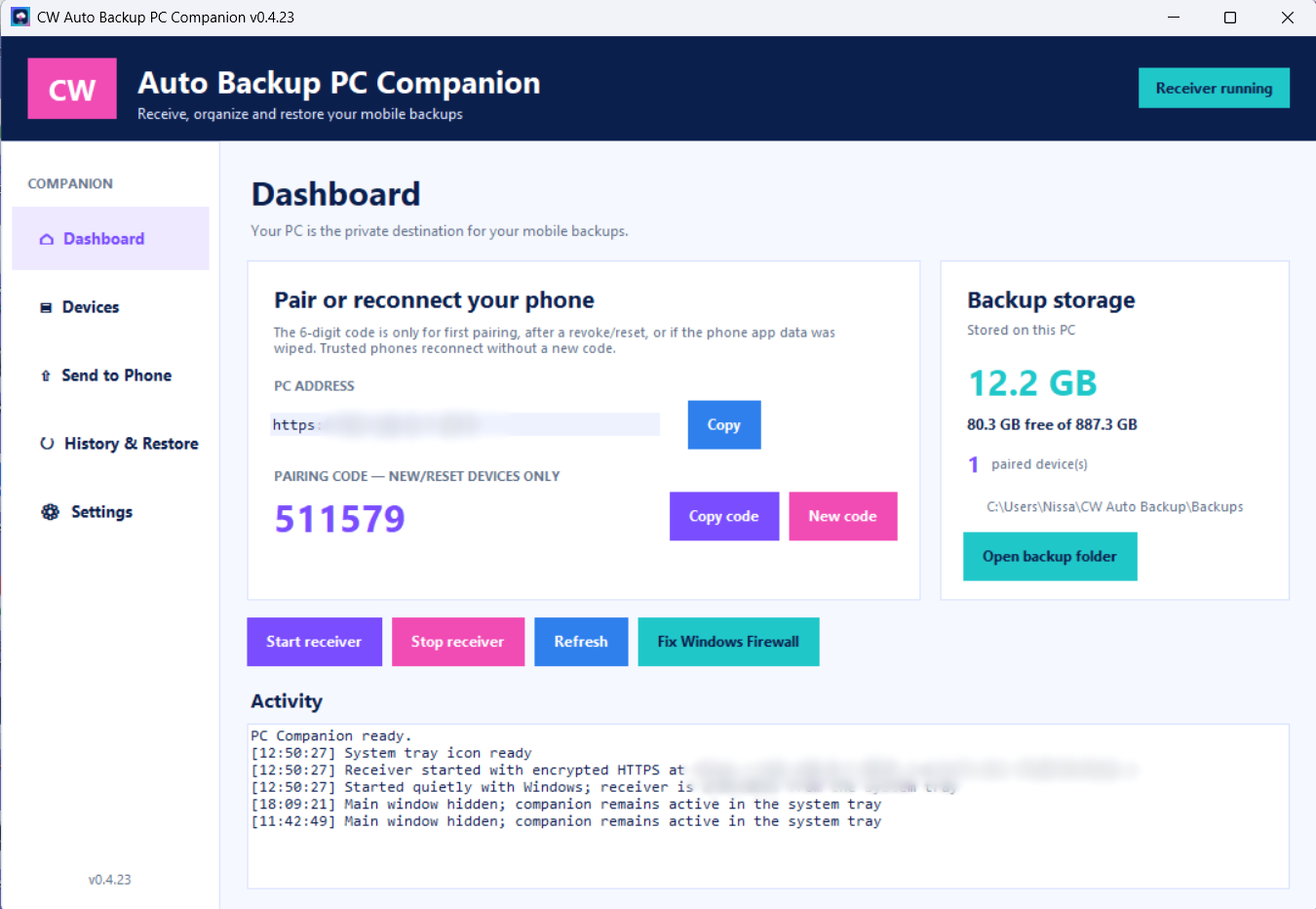
The CW Auto Backup Windows Companion is included at no additional charge and can be downloaded with a link included with your playstore purchase. Install the Companion on your Windows PC, securely pair your Android phone, and send backups over your local network. Once paired, your phone can reconnect without requiring a new pairing code each time.
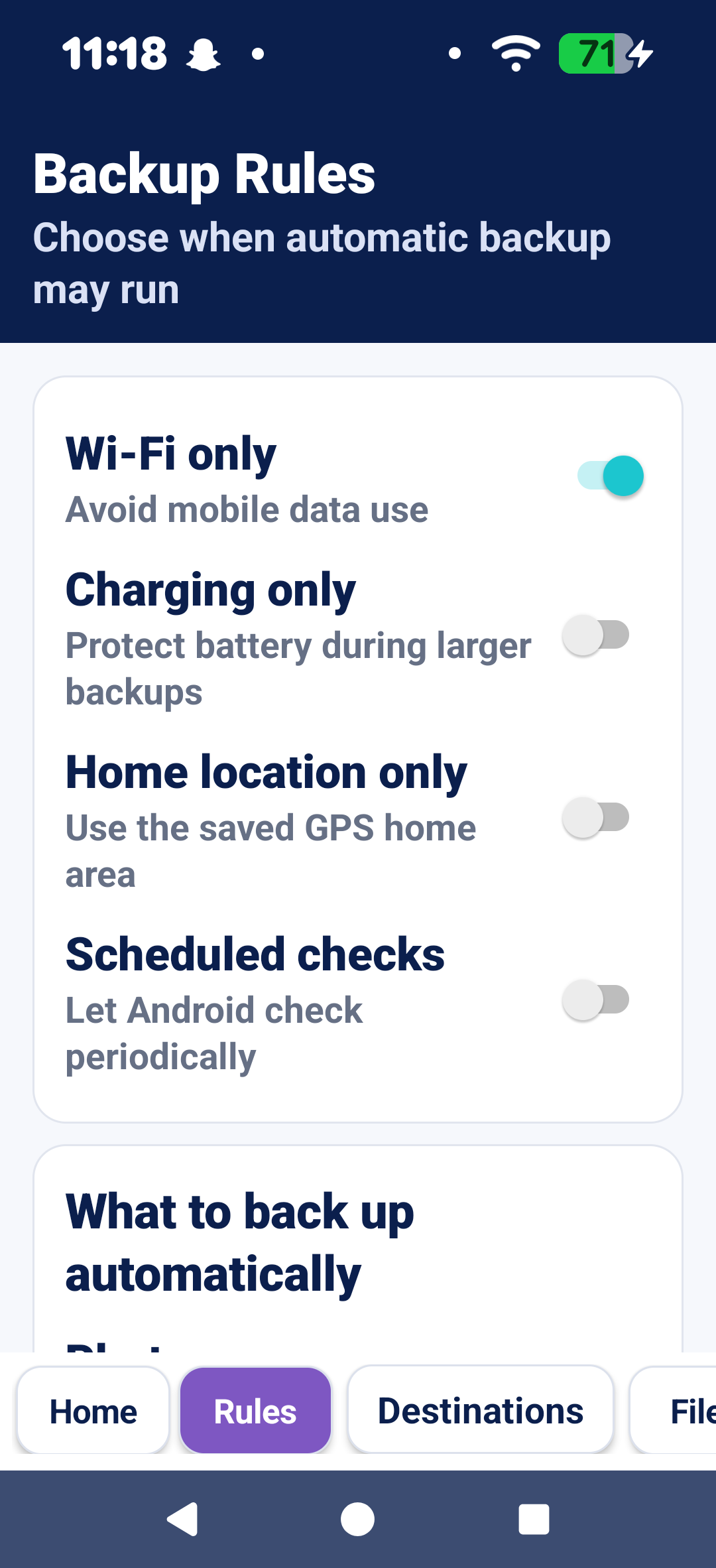
CW Auto Backup includes automatic and manual backup options, duplicate protection, restore tools, backup history, progress indicators, retry controls, and configurable backup rules. You can choose to back up only while connected to Wi-Fi, while charging, at scheduled times, or only when your phone is at your saved Home location.
Features include:
- Back up photos and screenshots
- Back up videos
- Back up documents and files
- Back up contacts
- Save and back up notes shared from compatible Android apps
- Windows PC backup using the included CW Auto Backup PC Companion
- WebDAV/NAS backup for compatible network storage
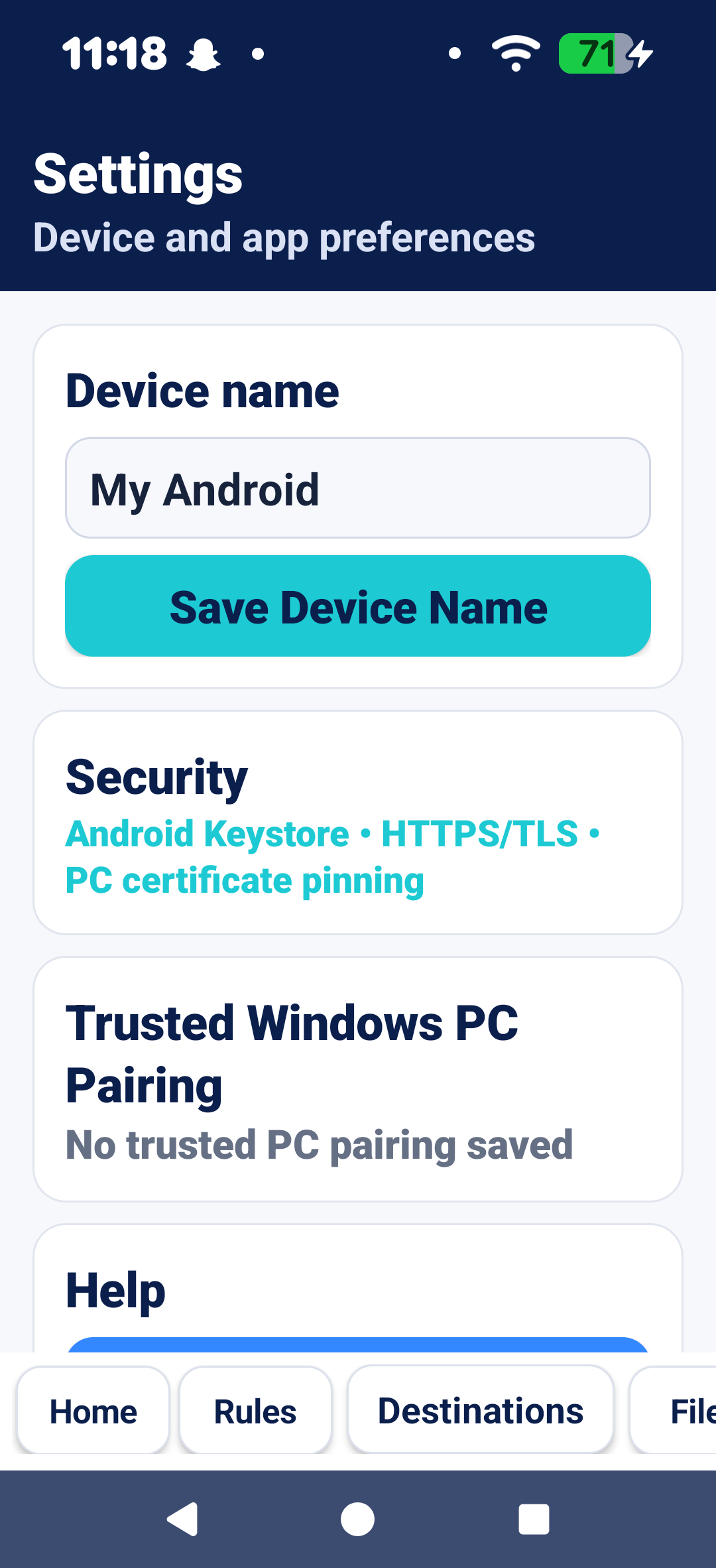
- Secure trusted-device pairing
- Encrypted HTTPS/TLS transfers
- SHA-256 duplicate detection to avoid repeatedly storing identical files
- Automatic and manual backups
- Wi-Fi-only and charging-only rules
- Optional scheduled backups
- Optional Home-only backup rule
- Backup history and Needs Attention alerts
- Retry failed backups
- Restore individual files, multiple selected files, or complete backups
- Image and video previews when selecting files to restore
- Backup and restore progress with cancellation controls
- Storage-space checks before transferring files
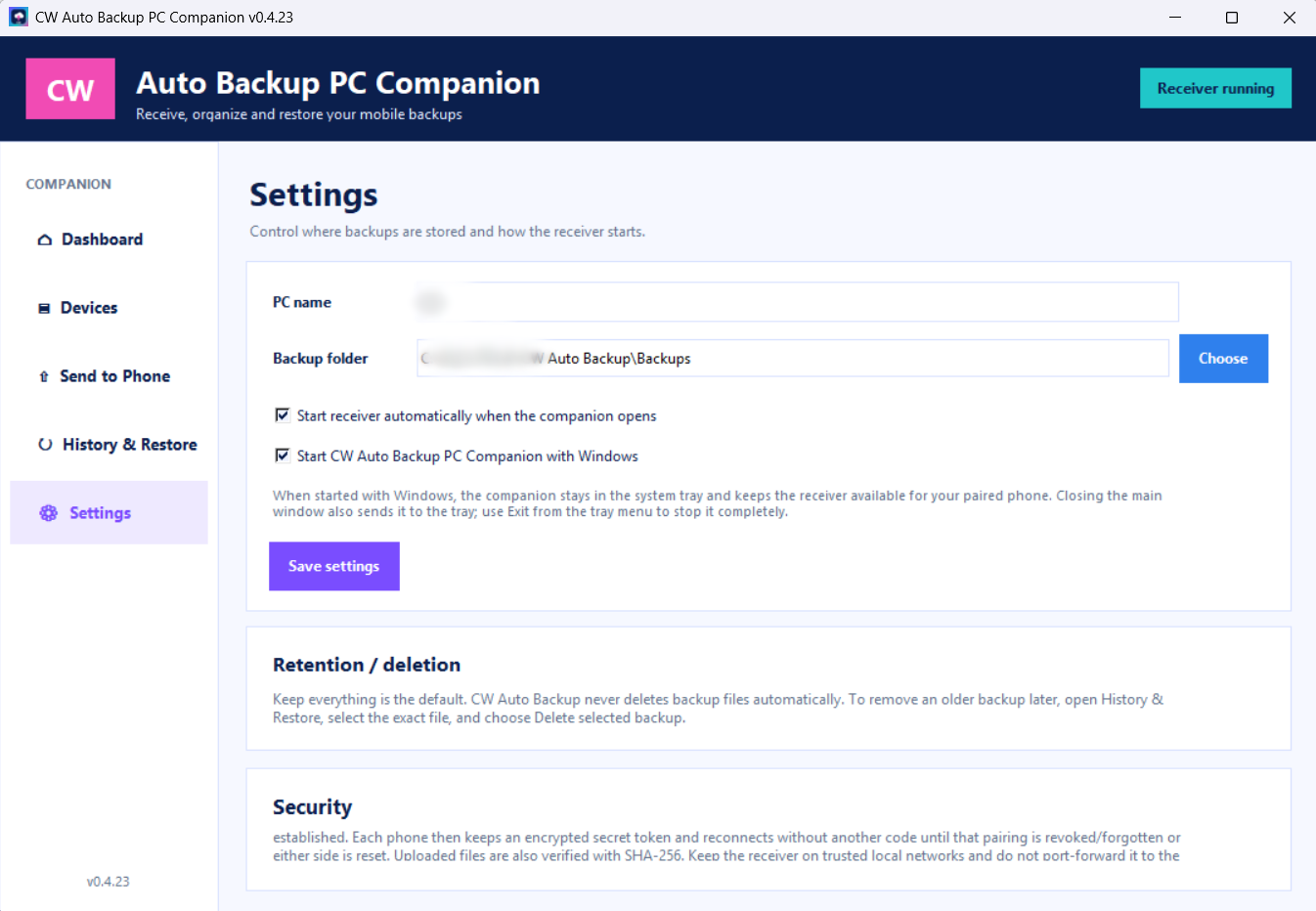
- User-controlled deletion and retention
Windows Companion Included
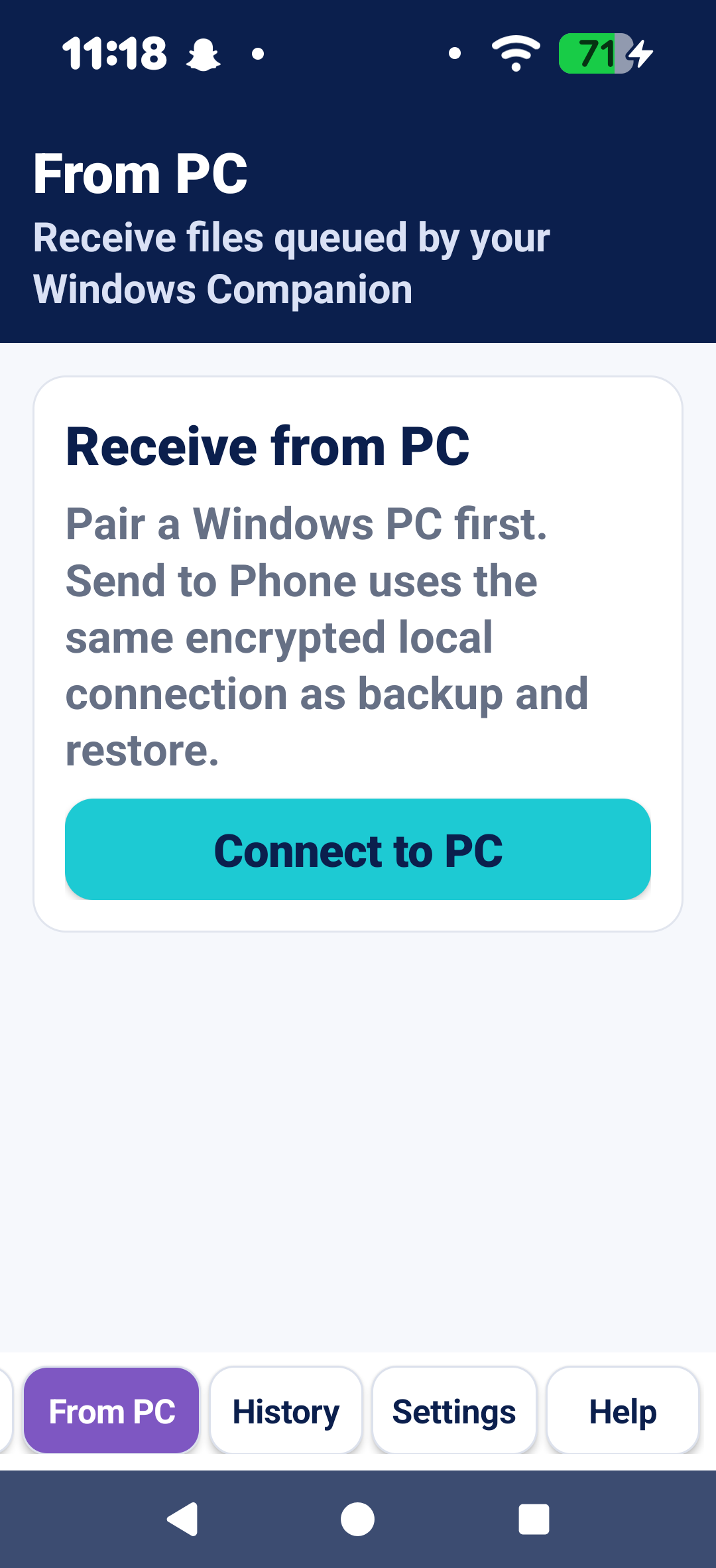
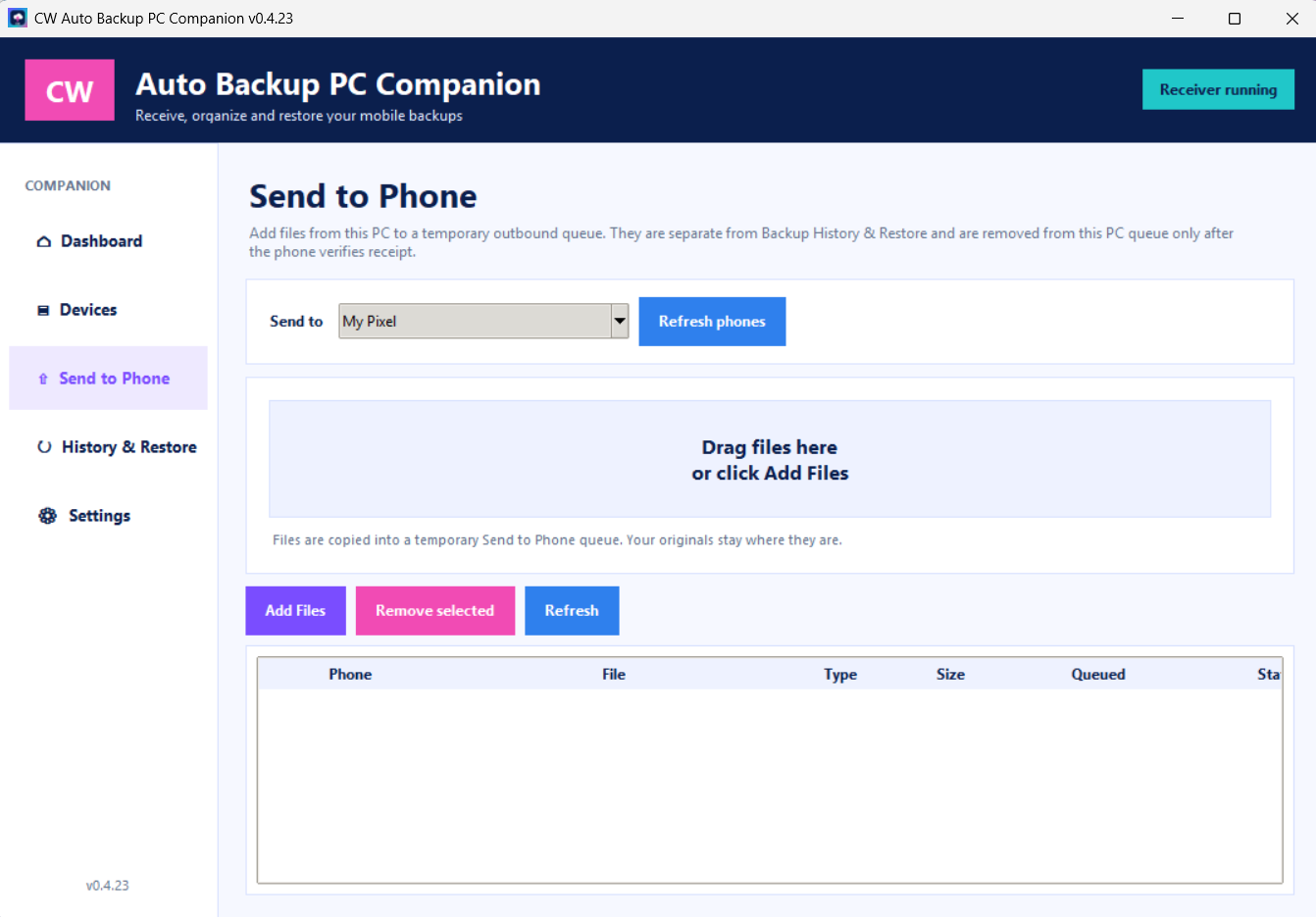
The CW Auto Backup Windows Companion turns your Windows computer into your personal backup destination. It receives backups from your paired Android device, maintains backup history, helps manage storage, provides restore access, and supports previews when choosing files to restore.
No separate Windows Companion purchase is required.
Your Storage, Your Choice
CW Auto Backup is designed for people who prefer keeping their files on hardware they control. Your Windows PC or compatible WebDAV/NAS device serves as your backup destination rather than requiring CW Creative Hub cloud storage.
Android app + Windows Companion included.
Windows Companion requires a compatible Windows PC. WebDAV/NAS use does not require the Windows Companion.
Reviews
There are no reviews yet.