

Description
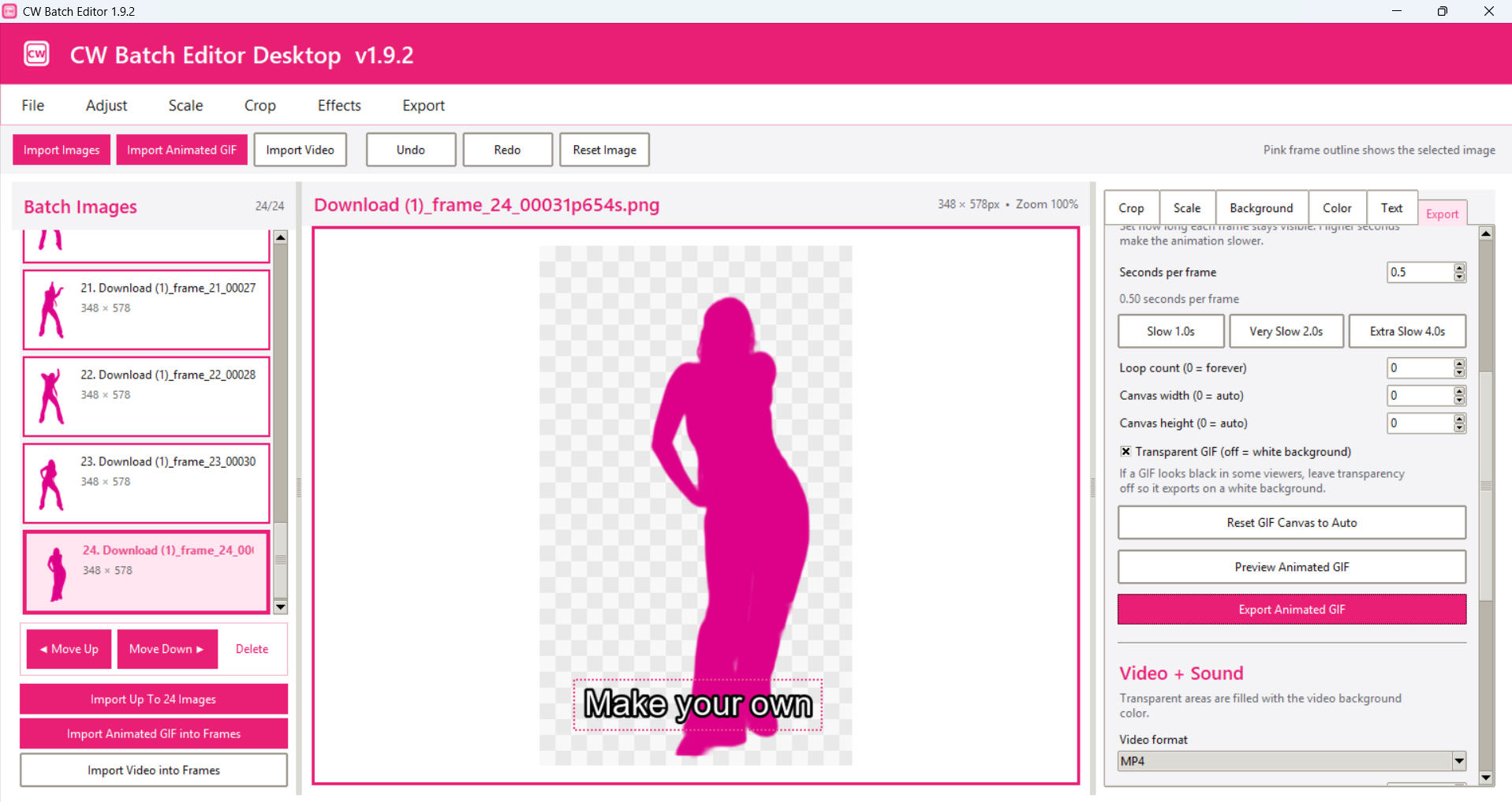
CW Batch Editor Windows Edition is a simple, image editing tool designed for creating and editing multiple images at once. You can begin editing after download and installation.
Import up to 24 images, move through each frame, clean backgrounds, adjust colors, add text in the same position across every image, and export your finished work as individual PNG files, a ZIP folder, or an animated GIF.
Features
- Import up to 24 images
- Import GIFs, Video and Music (mp3)
- AI background removal
- Eraser and restore brushes
- Magic Wand background cleanup
- Crop one image or apply the same crop to all frames
- Brightness, contrast, saturation, and hue controls
- Add the same text in the same position on every image
- Scale and shrink images for subtle animation effects
- Circular copy-and-paste tool
- Clone Brush for repairing or duplicating image areas
- Undo and redo
- Paste a copied section across all frames
- Export individual PNG images
- Export all images in one ZIP file
- Create animated GIFs
- Edit saved/exported Gifs
- Export video with MP3 (music/audio)
- Share to Social Media platforms that will allow it
- Unlimited Downloads and updates
- Installation instructions included. (must install python 3+)
CW Batch Editor is ideal for GIF frames, product images, social graphics, background cleanup, batch text placement, and quick image repairs.
To verify integrity of this software, you may ask any AI to check it’s validity i.e. ChatGPT.


Reviews
There are no reviews yet.