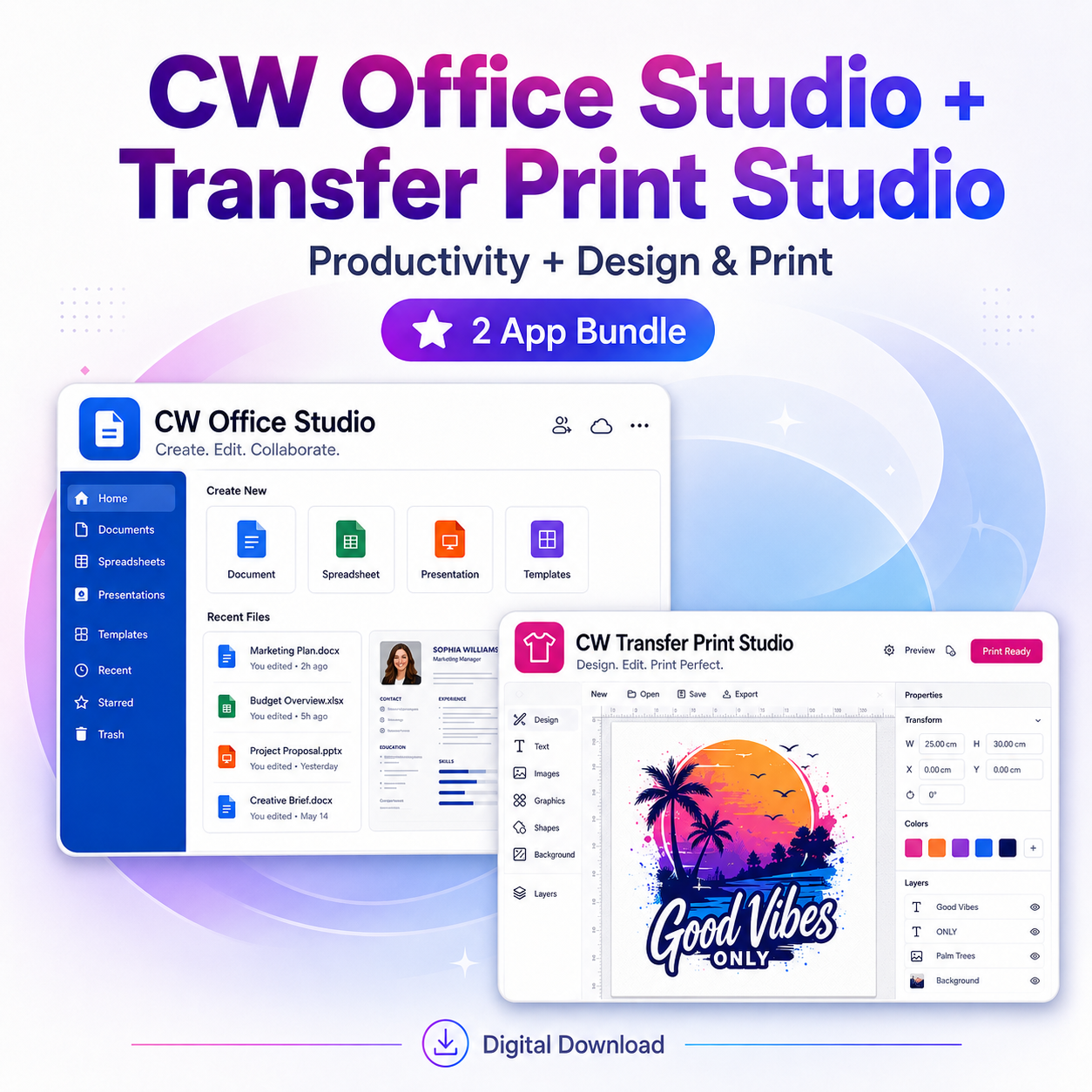
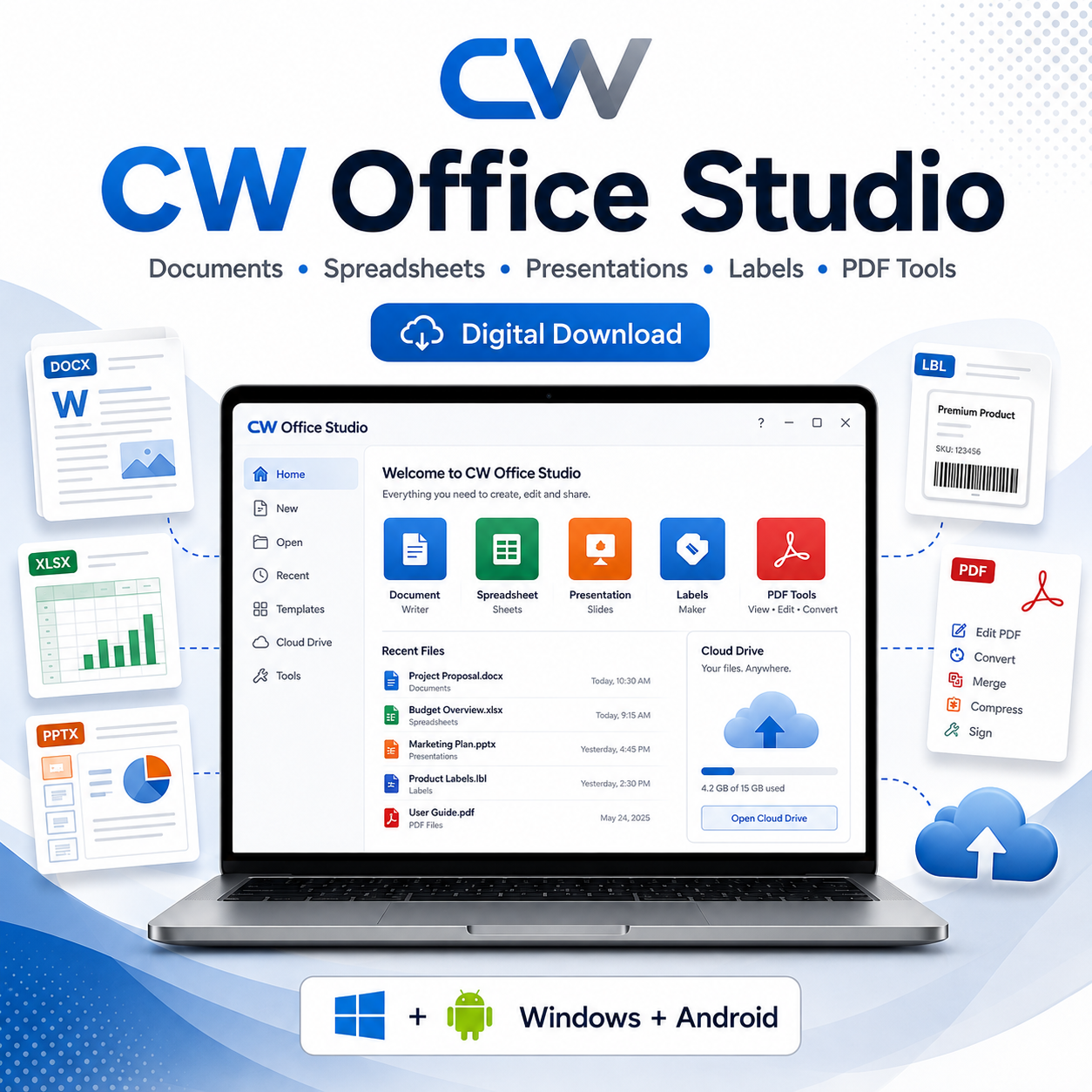
CW Transfer Print Studio + CW Office Studio
Create. Prepare. Print with confidence.
CW Transfer Print Studio is an all-in-one desktop workspace designed to make preparing images, transfer designs, labels, and print-ready projects easier from one place. Whether you’re creating DTF transfers, sublimation designs, stickers, labels, custom products, or other printed items, CW Transfer Print Studio gives you the tools to prepare your artwork before it reaches the printer.
Designed with beginners and small businesses in mind, the software brings photo editing, layout tools, print preparation, label printing, GIF tools, and printer-care features together in one organized workspace.
Key Features
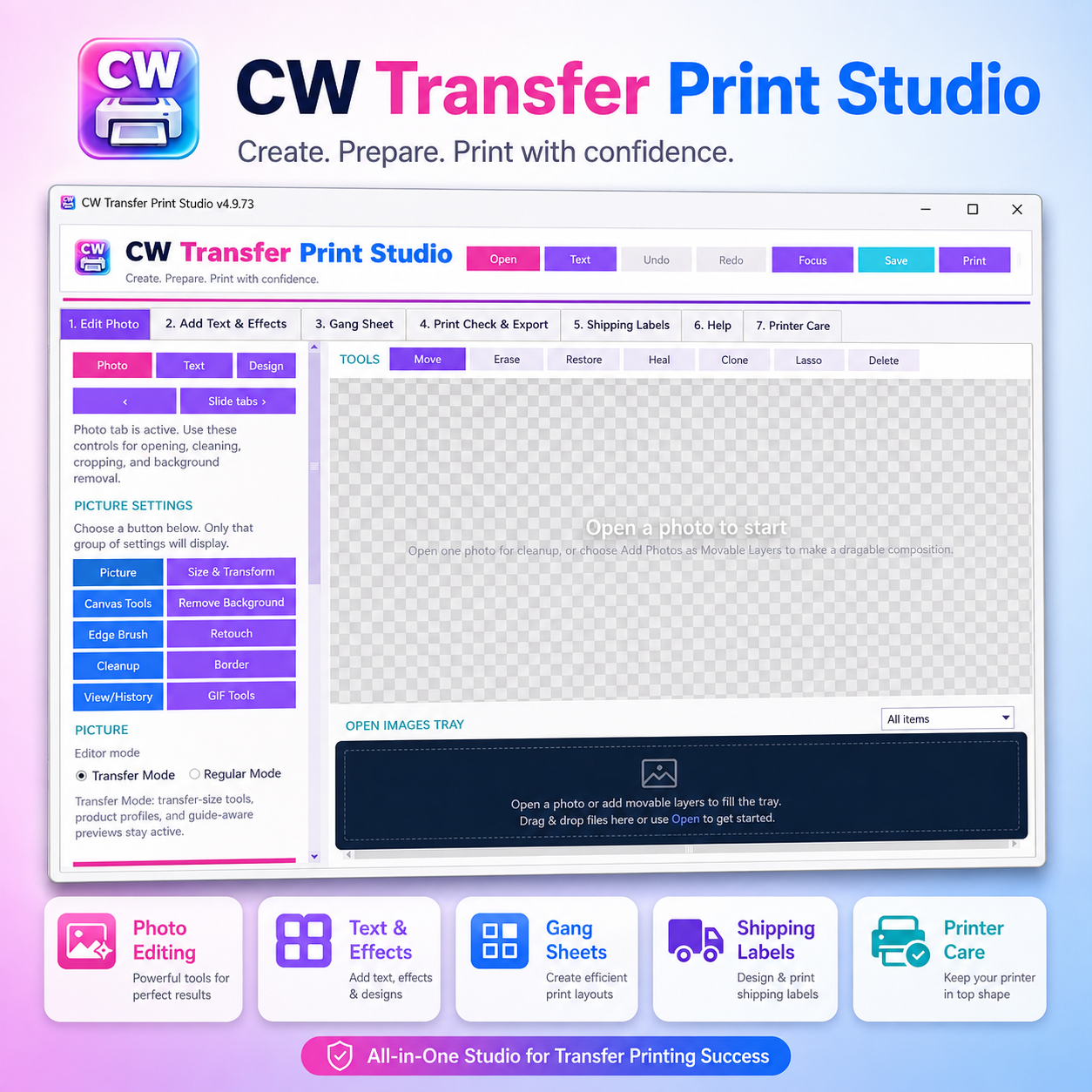
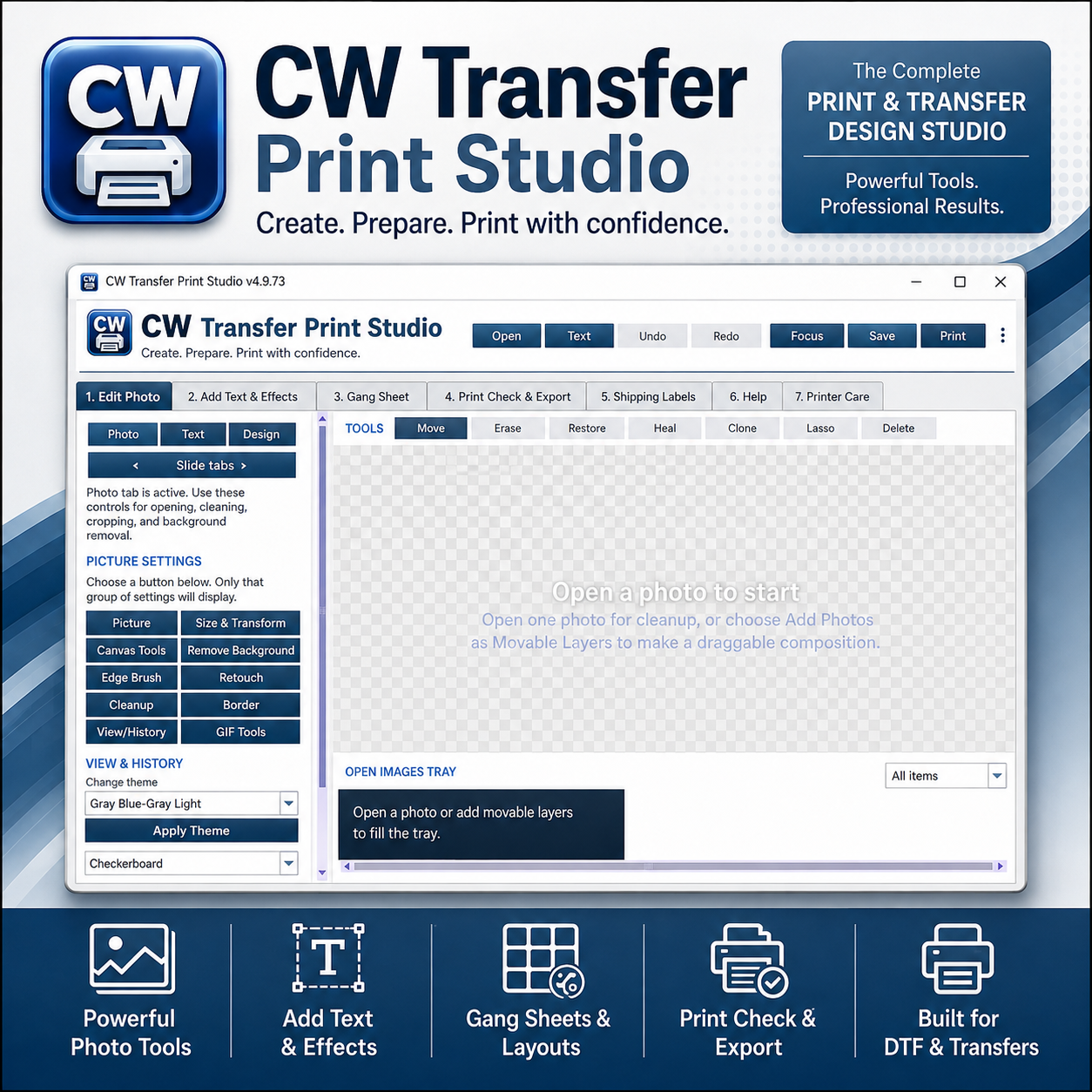
- Powerful Photo Tools — open, resize, crop, clean up, retouch, erase, restore, heal, clone, remove backgrounds, adjust edges, add borders, and prepare artwork for printing.
- Text & Design Tools — add text, effects, movable layers, and design elements directly to your project.
- Gang Sheets & Layouts — arrange multiple designs together to make better use of your printable area and reduce wasted transfer material.
- Print Check & Export — review your project before printing or exporting so you can catch sizing, placement, and layout issues before using ink or media.
- DTF & Transfer Printing Support — prepare artwork for DTF, sublimation, heat-transfer, and other custom-print workflows.
- Shipping & Product Labels — create and print labels directly from the software for orders, packaging, shipping, product identification, and business organization.
- GIF Tools — work with animated GIF files, including tools for preparing and editing GIF-based content as part of your creative workflow.
- Multiple Themes — personalize the workspace with different visual themes for a more comfortable editing environment.
Weekly Printer Care
CW Transfer Print Studio also includes a weekly print / printer-care feature to help keep ink flowing through printers that may sit unused for several days.
Running a small maintenance print on a regular schedule can help reduce the chance of ink drying in printheads or nozzles. This is especially useful for businesses that do not print every day.
The Printer Care section gives you an easy place to perform routine maintenance without having to remember it on your own.
Printer maintenance requirements vary by printer and ink type. Always follow your printer manufacturer’s recommended cleaning and maintenance procedures.
Built for Small Businesses and Creators
CW Transfer Print Studio is ideal for:
DTF and transfer businesses, custom apparel shops, sublimation creators, sticker and label makers, home-based printing businesses, craft businesses, personalized product sellers, and anyone who wants one organized workspace for preparing artwork before printing.
From Design to Print
Instead of switching between several different applications, CW Transfer Print Studio helps you move through your workflow in one place:
Open your image → Edit & clean up → Add text & effects → Build your layout or gang sheet → Check your print → Print or export
With built-in label tools, GIF tools, and printer-care features, CW Transfer Print Studio is more than an image editor—it’s a practical workspace for running your everyday print-production workflow.



Reviews
There are no reviews yet.